 FTS Interactive
Trading DemonstrationFTS Interactive
Trading Demonstration
FTS Interactive
Trading DemonstrationFTS Interactive
Trading DemonstrationImportant Note: For this demo to work, Port Number 26888 must not be blocked by your firewall. On a personal computer this is usually the case but from a university computer you will probably need to get 26888 unblocked (plus 23566 if you also want to run the FTS Real Time Client demo as well).
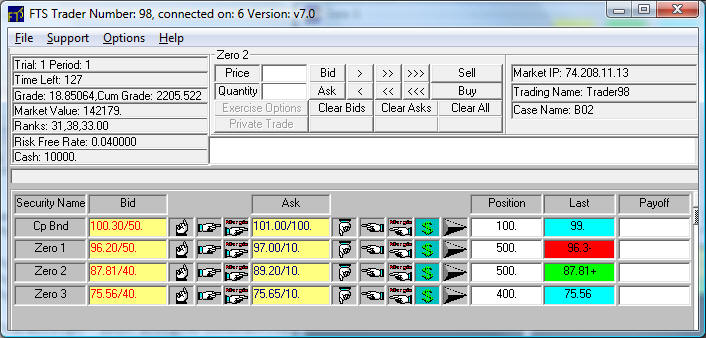
Welcome to the demonstration page which lets you see how you can introduce FTS markets with price discovery into your classroom. This demonstration is an actual replay of a classroom session using trading case B02. This case introduces students to the Time Value of Money applied to fixed income securities (Zero coupon bonds and a Coupon Bond). You can read this case by clicking on B02. In addition, you can watch a video on the teaching objectives associated with running B02 in your classroom to teach concepts ranging from how to make market to where does the yield curve come from? To watch this video click on Time Value of Money & Yield Curve.
Running the Demonstration